

Every screen, one simple dashboard
SignBox runs on one Windows PC in your building. Upload pictures, videos and web pages once, and every TV and display plays them on schedule — even when the internet is down.
Free account required · See plans & pricing
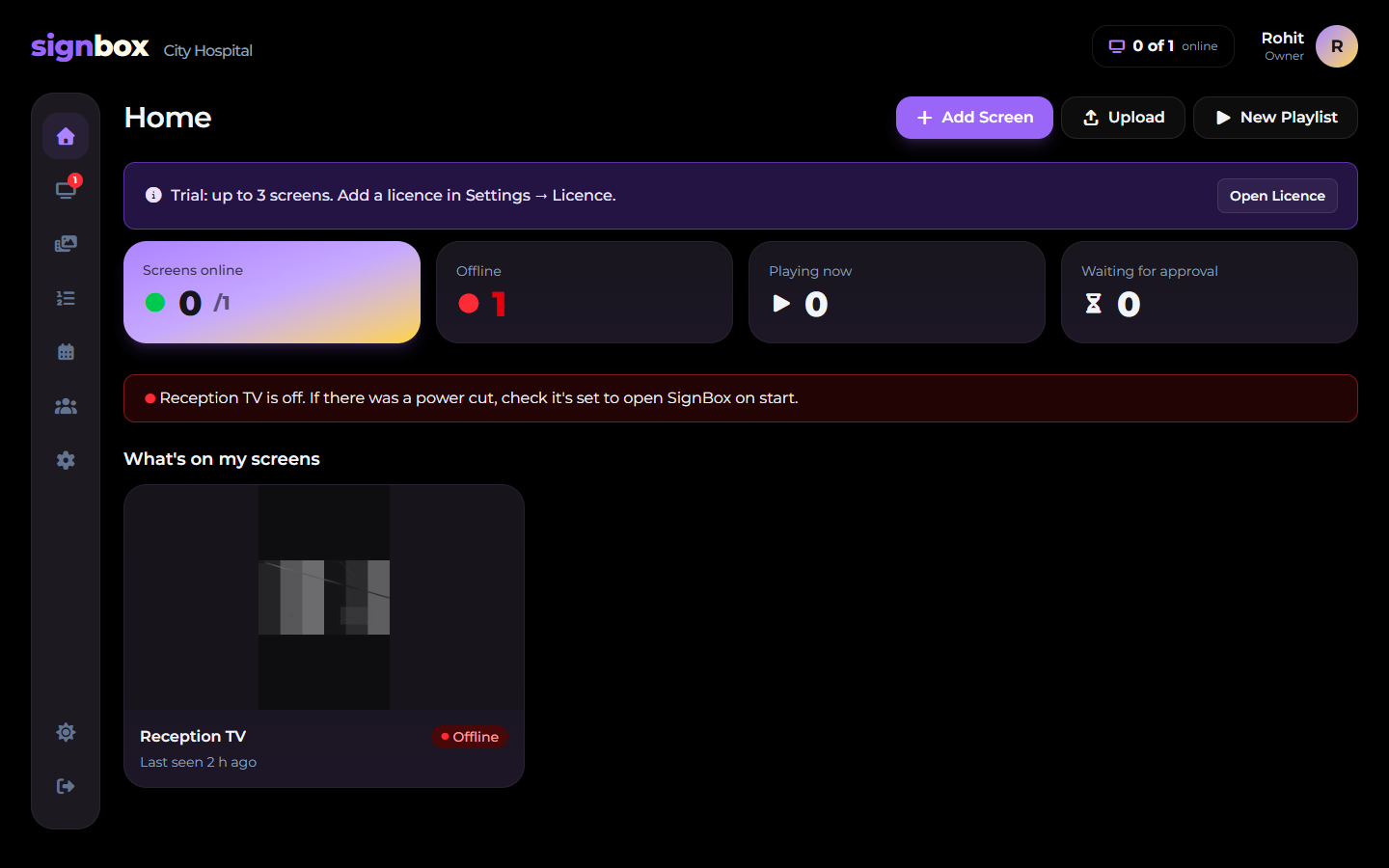
Everything a screen network needs
From one reception TV to hundreds of displays across many sites.
Content library
Drag in pictures and videos, add web pages, YouTube and text slides. Videos that some TVs cannot play are converted automatically.
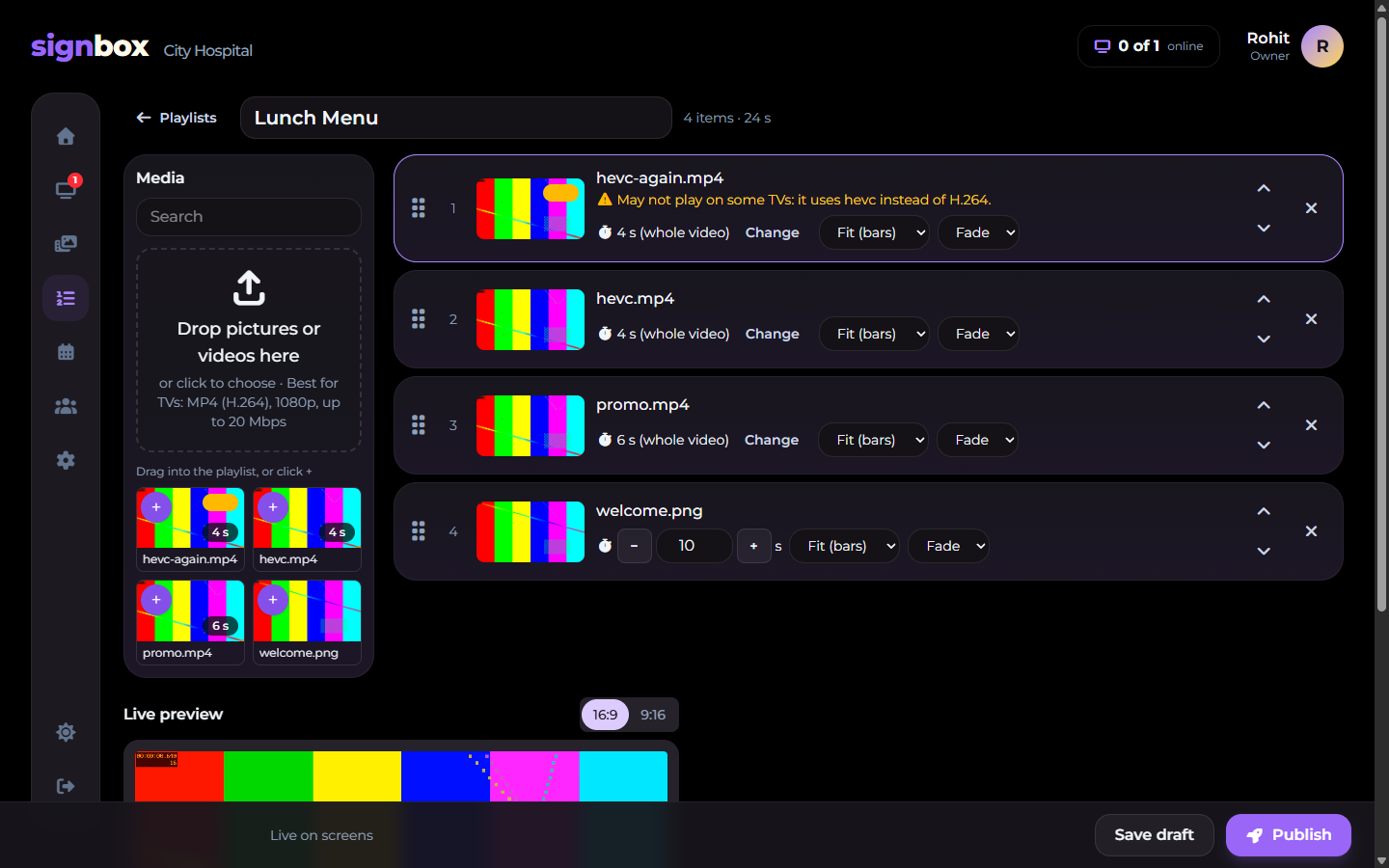
Playlists & scheduling
Put content in order with durations and transitions, then schedule it by time of day, day of week and date — like a lunch menu from 12 to 3.
Screen management
Connect a screen with a 6-digit code. See which screens are online, a live preview of each, and identify, reload or mute them remotely.
Teams & approval
Six built-in roles plus custom roles, access per screen group, approval before content goes live, and a full activity log.
Built to keep screens on
Signage that goes dark costs you trust. SignBox is designed so it never does.
Works offline
Each screen keeps its own copy of the content and keeps playing through internet and power cuts.
No app on the TV
Samsung and LG signage, Android boxes, Windows PCs and Raspberry Pi — open a link, type a code, done.
Your data stays with you
Self-hosted on your own PC. Works even on isolated government and hospital networks.
Scales across sites
An Edge PC at each branch downloads videos once for the whole site. A secure public link connects remote sites.
Live in three steps
Most customers have their first screen playing within ten minutes.
Install on one PC
Create a free account, download SignBox and run the installer on any Windows 10 or 11 PC. A setup wizard guides you.
Connect your screens
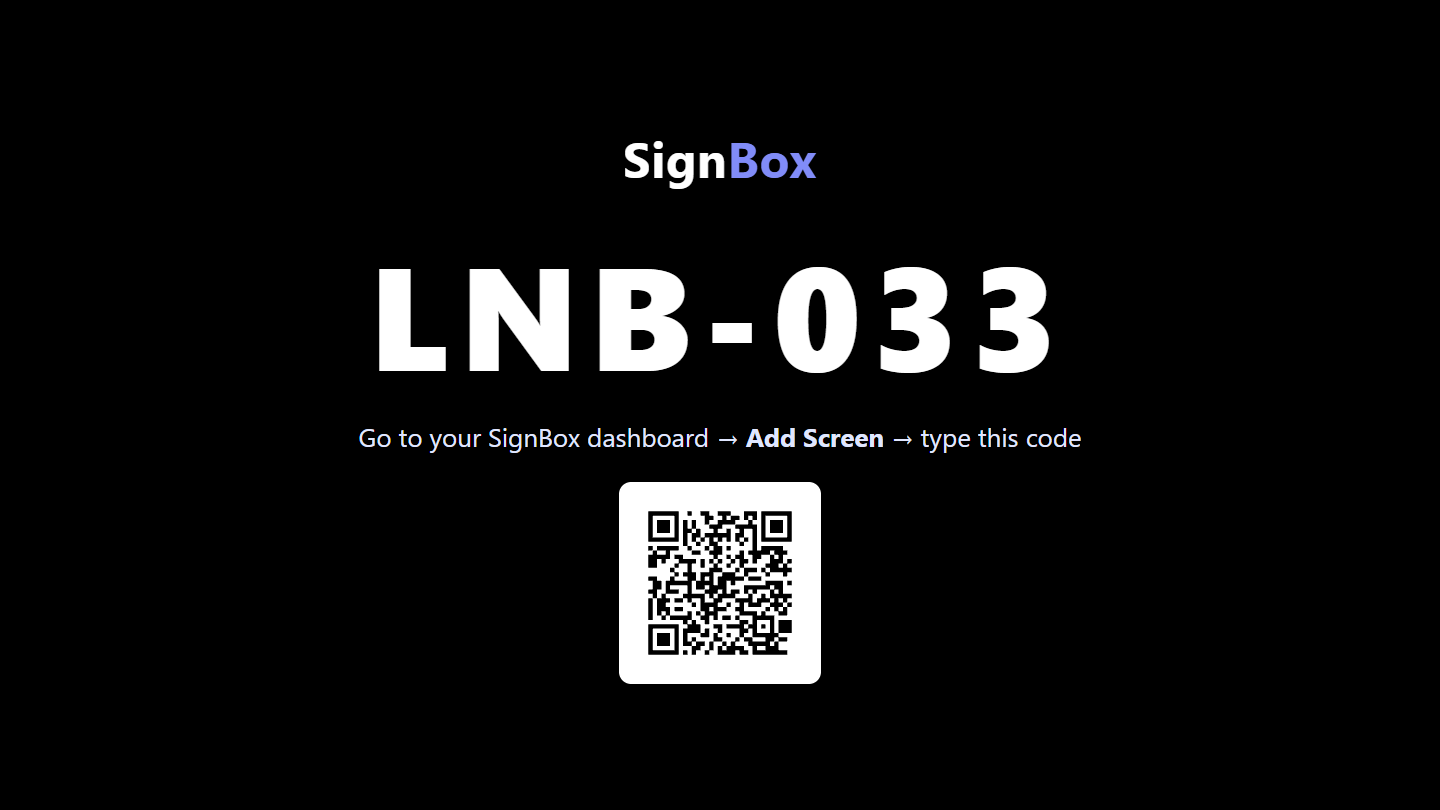
Open the SignBox link on each TV. It shows a 6-digit code — type it into SignBox and the screen is connected.
Upload and schedule
Drop in your pictures and videos, build a playlist and publish. Every screen updates in seconds.
Works with the screens you have
Any display with a modern browser engine can be a SignBox screen.
Specifications
| Server | Windows 10 / 11 or Windows Server, 64-bit · single installer |
| Content | JPEG, PNG, WebP, GIF · MP4, WebM, MOV · web pages · YouTube · text |
| Max file size | 2 GB per file |
| Scheduling | Time of day, weekdays, date range, priority · per-site time zone |
| Users | Owner, Admin, Content Manager, Creator, Approver, Viewer + custom roles |
| Security | Argon2id passwords, login lockout, encrypted secrets, HTTPS for remote access |
| Backup | Google Drive, folder, USB or network share · optional AES-256 encryption |
| Multi-site | Edge cache per site · secure public link |
| Licensing | Per screen count · monthly, quarterly or yearly · online or offline activation |
| Updates | Digitally signed, one click |
Try SignBox on your own screens
Create a free account, download SignBox and request a demo licence. Pay by bank transfer or UPI, with a GST invoice.